A church website can be a valuable way to welcome newcomers, share essential information, and signpost people to the life of your community. However, it is most effective when it is simple, clear, and realistically maintained.
1. Keep your website sustainable
Before adding sections or features, think about what you can realistically maintain. An out-of-date website can be more discouraging than a simple one. If you cannot commit to updating notices or events every week, it is better not to include them.
A sustainable church website often includes:
- Regular service times
- Contact details
- Safeguarding information
- A brief introduction to the church
For ad-hoc updates such as special events, news, or last-minute changes, social media is often a better tool, as it is quicker to update, and people expect information there to be time sensitive.
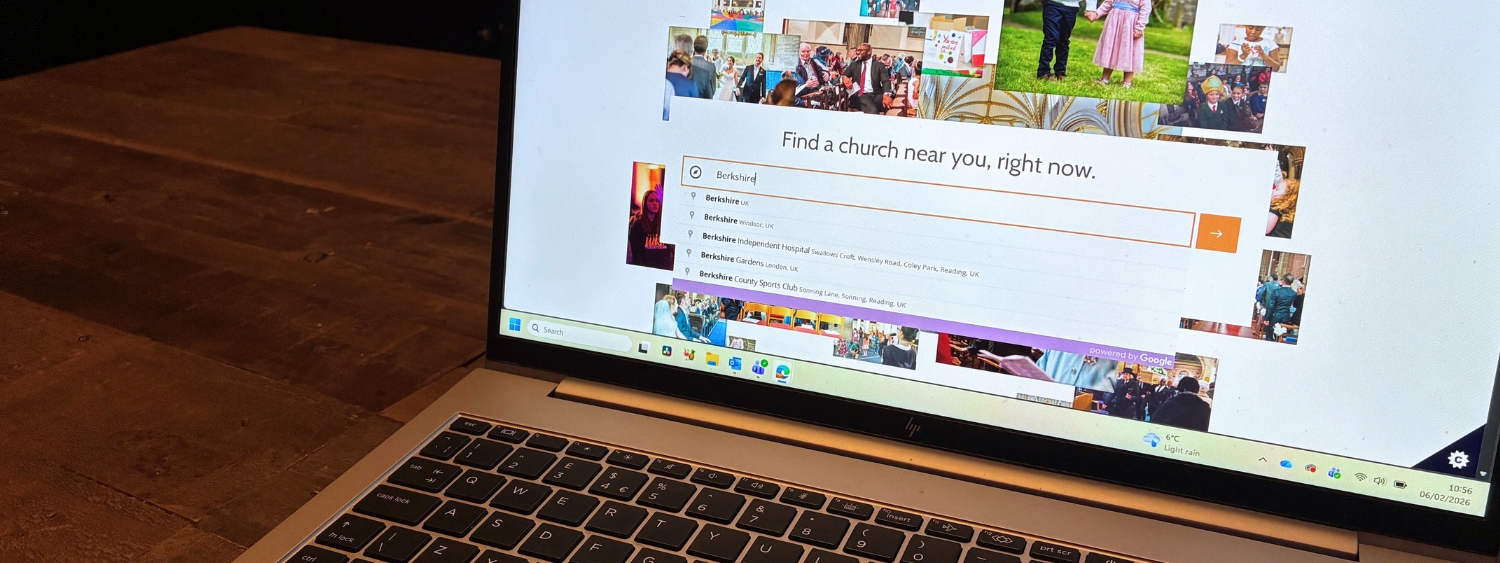
It is not necessary to be present on every platform. Every Church of England parish has an A Church Near You page, and many also have a separate website and one or more social media accounts. If you can only keep one thing fully up to date, prioritise your A Church Near You page. Many people searching for a church will find this first, regardless of whether you also have a separate website.
2. Make safeguarding information clear and easy to find
Safeguarding information must be visible and accessible to everyone.
Your website should:
- Include a clear link to your safeguarding page from the homepage
- Make safeguarding accessible from every page, usually via the main menu and/or footer
Your parish safeguarding page should:
- Name your Parish Safeguarding Officer
- Provide clear contact details
- Include a link to the diocesan safeguarding pages
- Detail your parish safeguarding policy, which you can adapt from the templates here
The key aim is that anyone with a safeguarding concern can quickly find who to contact and how to do so.
3. Focus on clarity and welcome
Most visitors to a church website are looking for a few simple things:
- When services take place
- Where the church is
- Who to contact
- Whether they will be welcome
Clear information, simple navigation, and accurate details are more important than a large number of pages.
It can also help to show the human side of your church. Consider including:
- Photographs of clergy, wardens, or welcome teams
- A short welcome video
- Images of the building in use, not only empty
Seeing faces and hearing a voice can help visitors feel more confident about coming in the building. Seeing the church building can also help reassure people that your church will be accessible to them.
4. Review regularly
Set a simple routine to review your website a few times a year. In particular, Christmas and Lent/Easter are natural points to revisit and refresh content, as service patterns, events, and seasonal messaging often change, and there's an increase in web traffic as the wider community seeks out church events.
When reviewing, check:
- Service times are correct
- Contact details are current
- Safeguarding information is up to date
- Links still work
- Seasonal material has been removed or updated
Even a short review once or twice a year makes a significant difference.
5. Further help and resources
Church of England Digital Labs offers practical, free guidance on websites, social media, online services, and digital communications for churches. These resources are regularly updated and are designed specifically for parish use.
Diocesan communications and safeguarding teams can also provide examples and templates to support parishes in maintaining clear, compliant, and welcoming websites.